
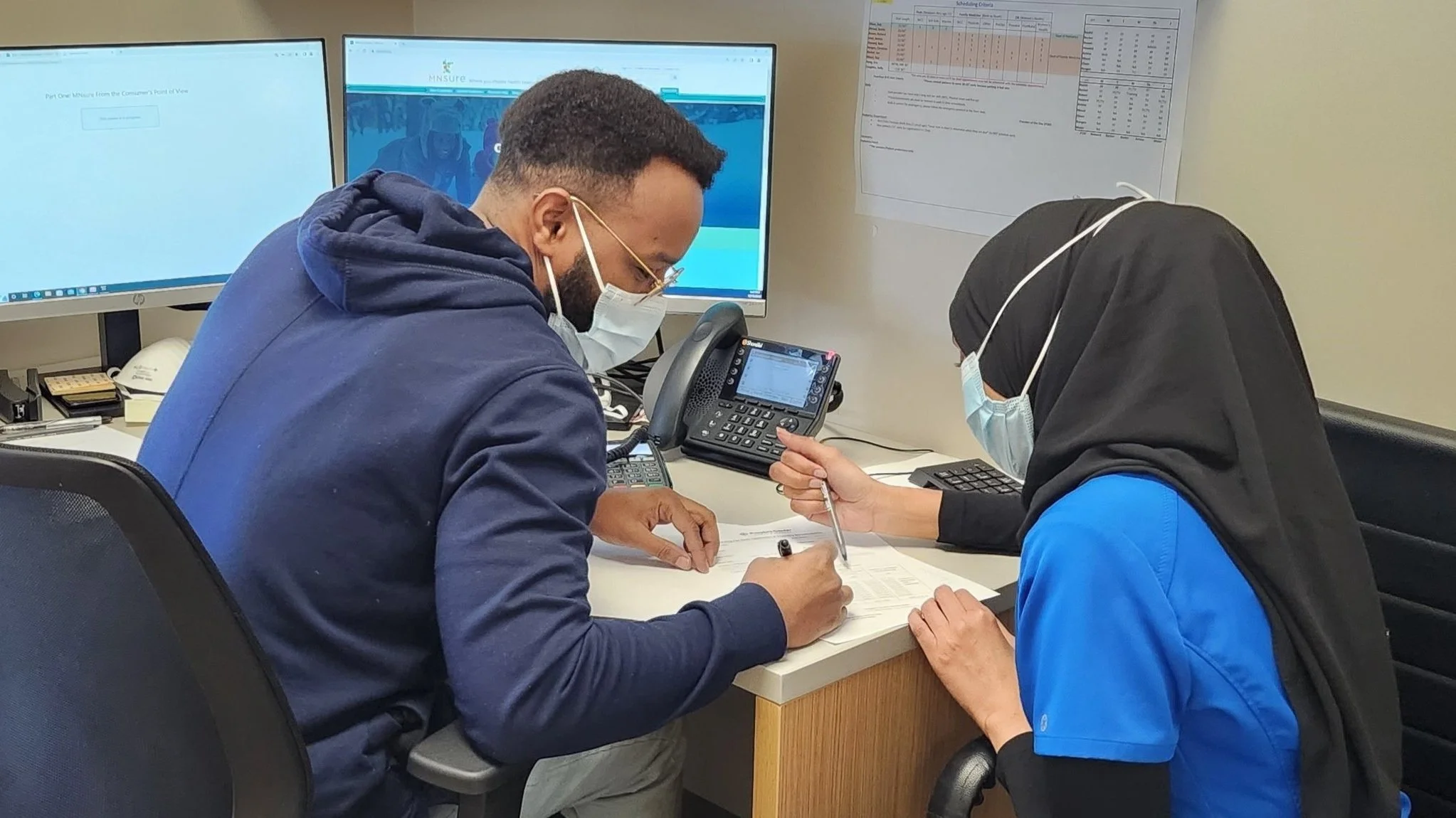
Fees, Discounts, and Billing
To make an online payment, click on the below
People’s Center accepts all major insurance plans, and provides flexible monthly payment plans. Our team works hard to make sure these programs are available to all patients. When costs and convenience become a concern, we have programs to make the services you receive more affordable, more convenient, and more transparent.
-
![]()
Insurance Coaching and Application Assistance
Navigating health insurance can be a barrier between patients and receiving the care they need.
If you and your family need help with insurance selections, or making sense of insurance once you receive it, let us know during your next visit. Our team will work with you to help you make the right choices for your family, or clear up questions you may have.
-
![]()
Flexible Monthly Payments
We want to work to ensure health care costs do not keep you from the care you need.
Talk to your provider during your next visit about our flexible payment plans. We work with you to craft a payment plan that feels feasible and reasonable.
-
![]()
MyChart
MyChart is our online payment platform and a helpful way for your to manage your visit.
This platform lets you manage all of your payments in a simple, easy to navigate portal. Not only that but you can see test results, and ask follow-up questions of your providers from the comfort of your own home.

Understanding
MyChart
-
MyChart is our online billing platform that provides you access to online billing, real-time updates on test results, and direct communication with your physicians!
-
-
Once you have your activation code, go to MyChart and click the "Sign Up Now" button on the right hand side of your screen.
Complete all registration tasks as prompted. If you need help with any registration tasks, including interpretation, feel free to call us at (612) 332-4973.
-
First, download the app to your mobile device: Here you can find the IOS Version and the Android Version
Next choose the United States as your country of service
Then, under the dropdown list of service providers select OCHIN. This is the service that People's Center uses to connect to MyChart
Lastly, fill in the blanks and follow the prompts as required. You'll be asked to give that patient activation code during this section so be sure to keep it handy!
You're all done! Now sign into your account. If you forget your user name or password remember to use the "forgot password" and "forgot username" functions on the sign in page. If you're having trouble just give us a call and we will help you out!